

Reservations page
The guest books alone, by your rules
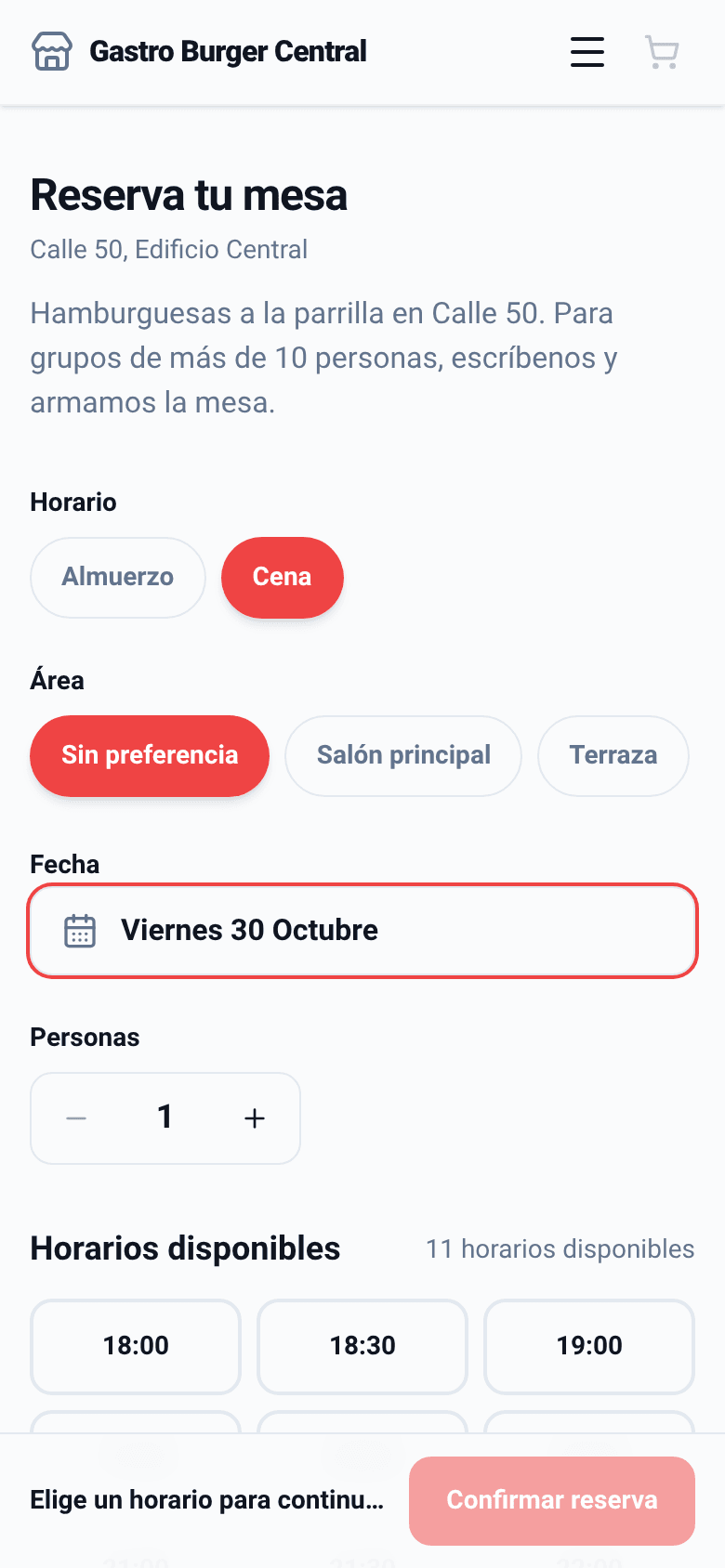
- Your reservations page with its own title and description for each branch.
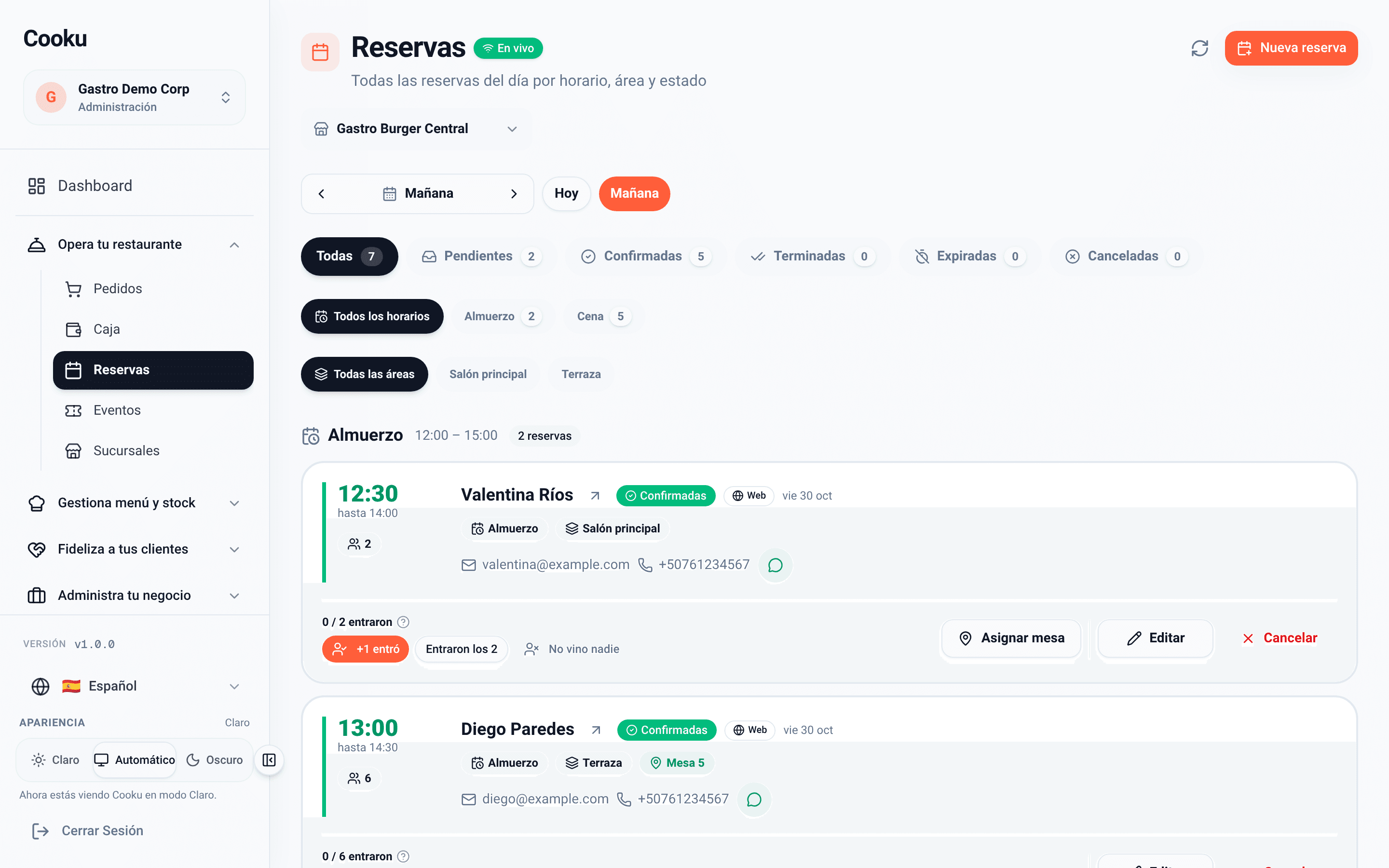
- Several named schedules, such as lunch and dinner, each with its days, seatings and capacity.
- Pick an area, a date and a party size, and see only the times that have room.
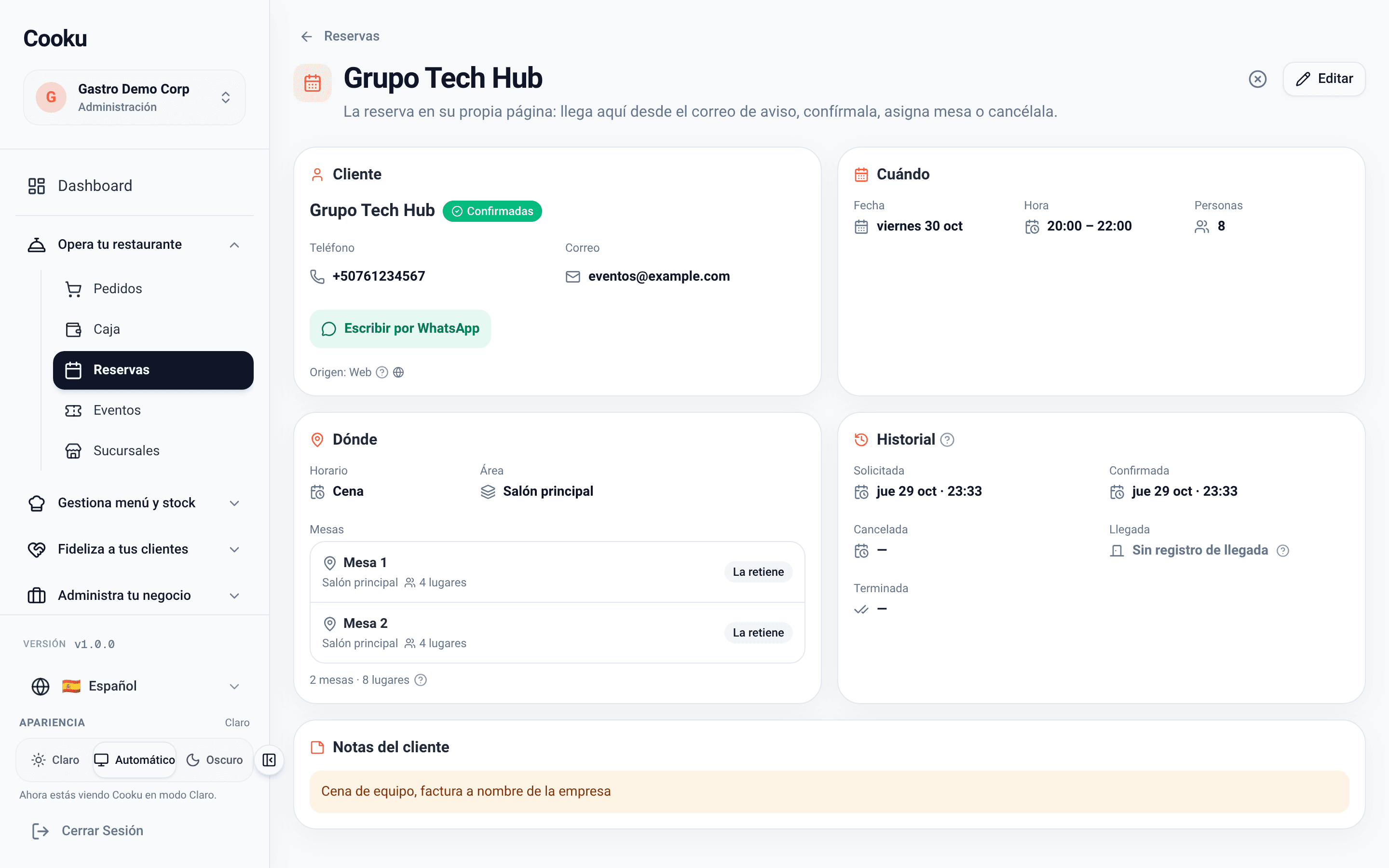
- Capacity is counted by guests: two customers never take the same last seats.
- With the confirmation link, the guest changes or cancels the booking.
- New: guests can also book from ChatGPT and Claude; the booking stays pending until you confirm it.
- A deposit to confirm, with Stripe (available in Mexico today).
Example: Lunch · every day, 12:00 to 15:00, 90-minute seatings, up to 40 guests. Dinner · Thursday to Saturday, 18:00 to 23:00, 2-hour seatings, up to 60 guests.